
RONDO 2
CI Audio Processor
These support guides will help you handle and care for the RONDO 2 Audio Processor.
Safety Features
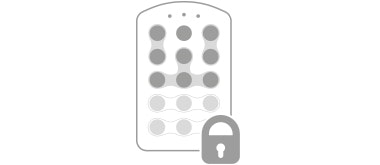
FineTuner Key Deactivation
Your audiologist can deactivate certain FineTuner keys or programs to prevent accidental changes to settings. For more information about this feature or for instructions for FineTuner deactivation,
please contact your CI center.

Link Monitoring Function
RONDO 2 has a built-in link monitoring function. If the audio processor is positioned incorrectly, or is positioned over the wrong implant, the red indicator light will blink. The green indicator light
will blink once RONDO 2 is positioned correctly.
If the link monitoring function is activated and no indicator lights blink, you may have a problem with your audio processor. See the Link Monitoring Function section for the necessary troubleshooting steps.

Refer to your user manual for more information.

About Cochlear Implants
Find a Cochlear Implant Clinic Near You
Pros and Cons of Cochlear Implants
Cochlear Implant Surgery
How do Cochlear
Implants Work?
What Does a Cochlear Implant Sound Like?
Cochlear Implants and MRI Safety
Can You Hear Music With a Cochlear Implant?
Cochlear Implants for Single-Sided Deafness
Product Reliability Data


