
RONDO 3
CI Audio Processor
These support guides will help you handle and care for the RONDO 3 Audio Processor.
Switching On RONDO 3
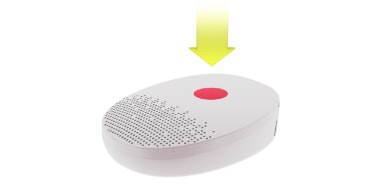
Press the on/off button in the center of the audio processor for approximately 2 seconds.
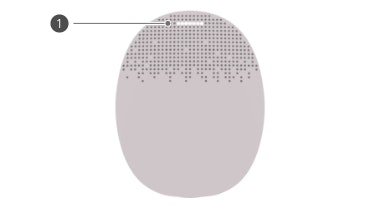
The main indicator light will fade in white 1. The audio processor is now turned on.
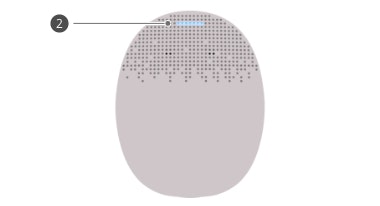
The main indicator light will blink blue 2 to show which program is activated. 1 blink indicates program 1 is selected, 2 blinks indicate program 2, and so on.
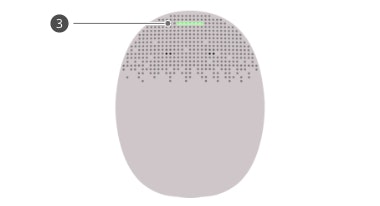
If the link monitoring function is activated, the indicator light will blink red. The indicator light will blink green 3 when RONDO 3 is correctly positioned on your head.
RONDO 3 should be placed over your implant, with the MED‑EL logo against your head and the microphones facing upwards.

Refer to your user manual for more information.

About Cochlear Implants
Find a Cochlear Implant Clinic Near You
Pros and Cons of Cochlear Implants
Cochlear Implant Surgery
How do Cochlear
Implants Work?
What Does a Cochlear Implant Sound Like?
Cochlear Implants and MRI Safety
Can You Hear Music With a Cochlear Implant?
Cochlear Implants for Single-Sided Deafness
Product Reliability Data


